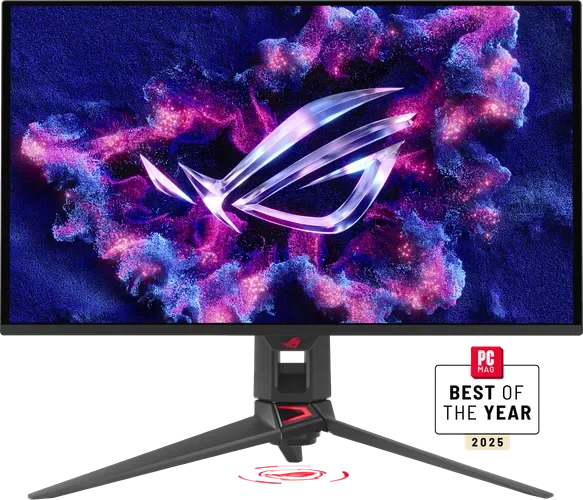
Top7 Gaming Monitors Worth Buying in 2026
Ranked on response time, picture quality, refresh rate, value and features, based on RTINGS, Tom's Guide and Tom's Hardware testing.
 1
Our top pick · Best overall
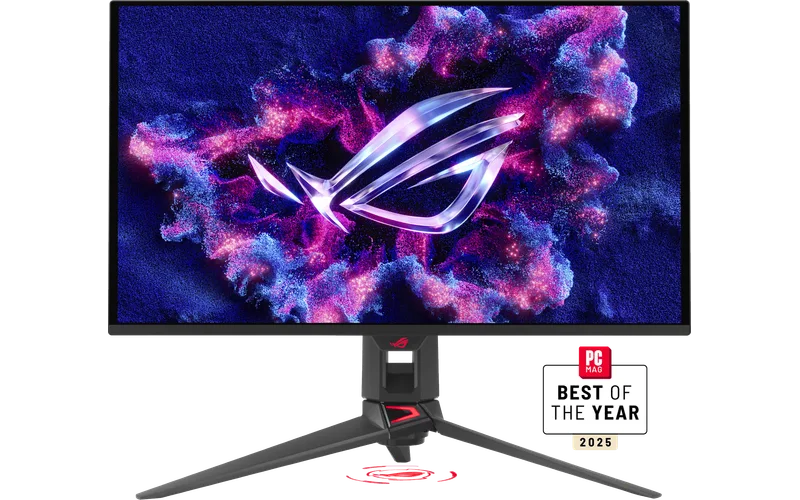
ASUS ROG Swift OLED PG27UCDM
Gamers with a strong GPU who want 4K sharpness and OLED motion in a desk-friendly size.
- Sharp 4K picture at 166 PPI with 240 Hz
- 3-year warranty that covers burn-in
- Expensive, and text clarity and brightness trail non-OLED panels
Compare the seven
Side by side| Rank | Product | Best for | Price | Key advantage | Buy |
|---|---|---|---|---|---|
| 01 | ASUS ROG Swift OLED PG27UCDM | Best overall | $$$$Top-end | Sharp 4K picture at 166 PPI with 240 Hz | Buy |
| 02 | 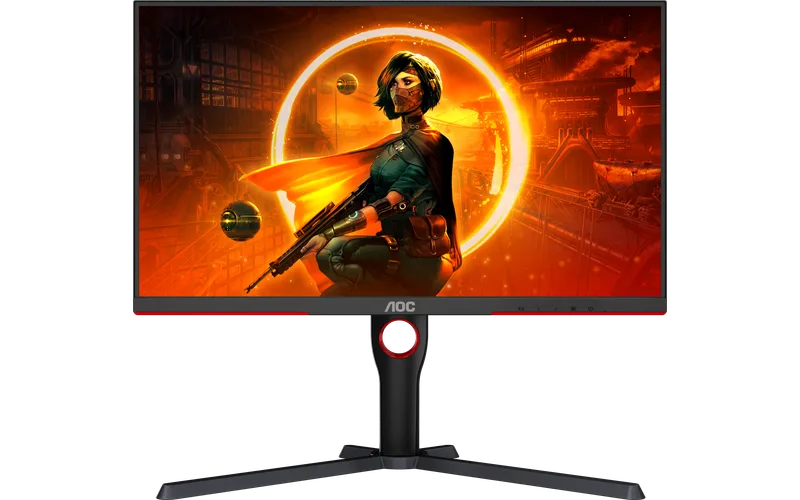 AOC Q27G3XMN | Best budget | $Budget | Mini LED backlight gives strong HDR for the price | Buy |
| 03 | Alienware AW2726DM | Best value OLED | $$Mid-range | Around $350 for a QD-OLED panel | Buy |
| 04 | Alienware AW3426DW | Best ultrawide | $$$Premium | Brighter fifth-gen QD-OLED panel at 280 Hz | Buy |
| 05 | 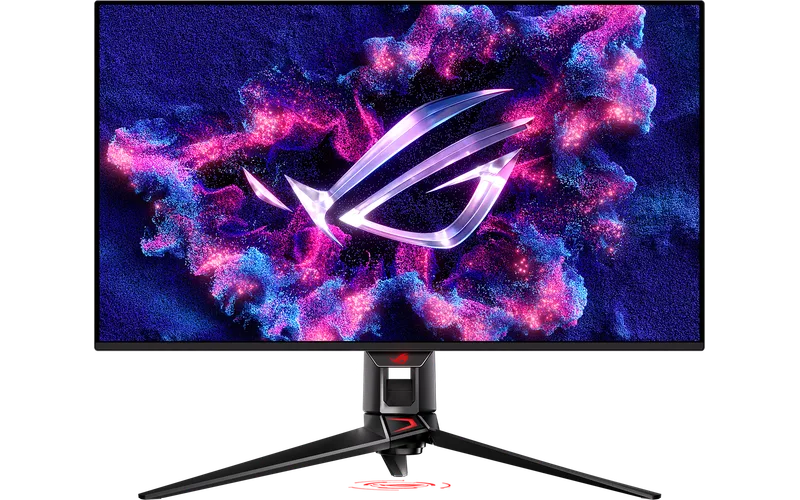 ASUS ROG Swift OLED PG32UCDM | Best large 4K | $$$$Top-end | 4K at 32 inches with 99% DCI-P3 | Buy |
| 06 | 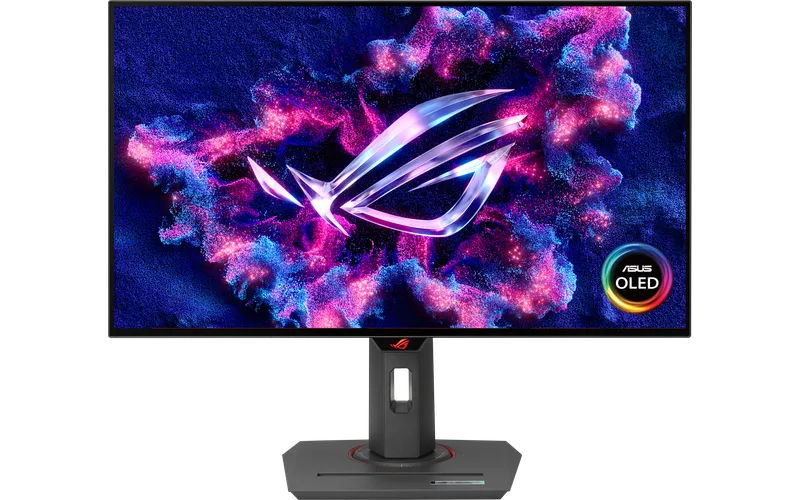 ASUS ROG Strix OLED XG27AQDMG | Best 1440p OLED for esports | $$$Premium | Very fast response with anti-flicker | Buy |
| 07 | Alienware AW3426DWM | Best budget ultrawide | $$Mid-range | Curved 34-inch screen at 240 Hz | Buy |
Our 7 picks in detail
1 ASUS ROG Swift OLED PG27UCDM
Who it's for: Gamers with a strong GPU who want 4K sharpness and OLED motion in a desk-friendly size.
- Sharp 4K picture at 166 PPI with 240 Hz
- 3-year warranty that covers burn-in
- Expensive, and text clarity and brightness trail non-OLED panels
2 AOC Q27G3XMN
Who it's for: Budget builds and consoles that want HDR punch and high refresh without paying for OLED.
- Mini LED backlight gives strong HDR for the price
- 1440p at 180 Hz with height adjustment
- VA panel has slower dark transitions and narrower viewing angles
Alienware AW2726DM
Who it's for: Anyone who wants OLED contrast and speed at close to LCD money.
- Around $350 for a QD-OLED panel
- 3-year warranty
- Limited to about 200 nits SDR brightness and no USB ports
Alienware AW3426DW
Who it's for: Immersive racing, RPG and flight games on a curved ultrawide.
- Brighter fifth-gen QD-OLED panel at 280 Hz
- Tom's Guide and Tom's Hardware rate it highly
- USB-C is limited to 15W and ports are basic
5 ASUS ROG Swift OLED PG32UCDM
Who it's for: People who want a big 4K screen for gaming and everyday work.
- 4K at 32 inches with 99% DCI-P3
- 90W USB-C and HDMI 2.1
- High price and the same OLED burn-in care as any OLED
6 ASUS ROG Strix OLED XG27AQDMG
Who it's for: Competitive players who want fast response and a sharp 1440p image.
- Very fast response with anti-flicker
- Custom heatsink and USB hub
- Glossy WOLED shows reflections and the newer Gen2 is replacing it
Alienware AW3426DWM
Who it's for: Gamers who want an ultrawide at LCD pricing.
- Curved 34-inch screen at 240 Hz
- Often around $330 on Amazon
- VA panel is not as fast or contrasty as OLED
Questions people ask
Is OLED worth it for a gaming monitor?
OLED gives near-instant response and deep blacks, which suits fast games and dark scenes. Expect a higher price, lower peak brightness than Mini LED and some burn-in care, though most makers offer 3-year warranties.
What refresh rate do I need?
144 to 180 Hz suits most players and consoles. 240 Hz and above helps in competitive shooters, but only if your GPU can hold those frame rates.
1440p or 4K for gaming?
1440p is easier to drive and cheaper, and is the sweet spot for most PCs. 4K looks sharper but needs a high-end GPU for high frame rates.
Do I need G-Sync or FreeSync?
Variable refresh rate removes tearing. Nearly all monitors here support FreeSync and work with Nvidia cards as G-Sync Compatible, so it is a standard feature rather than a deciding factor.
How did we pick these gaming monitors?
We compared the best-selling and highest-rated gaming monitors on Amazon, read expert reviews and the most common complaints, then kept one pick for each kind of buyer. Read our full method.