Top7 Monitors Worth Buying in 2026 (Updated November)
Ranked on picture quality, refresh rate, ergonomics and value for work, gaming and creative use.
 1
Our top pick · Best for work
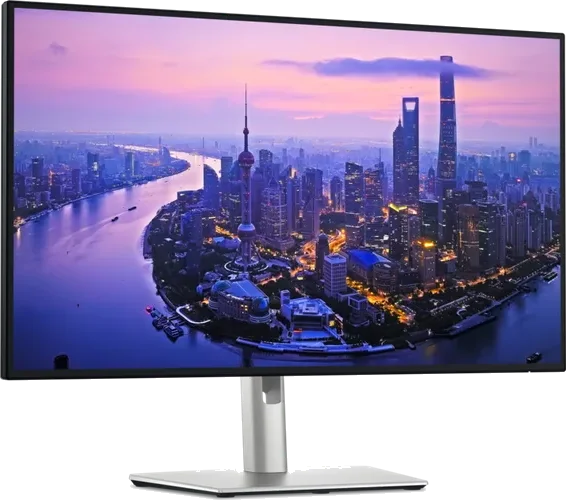
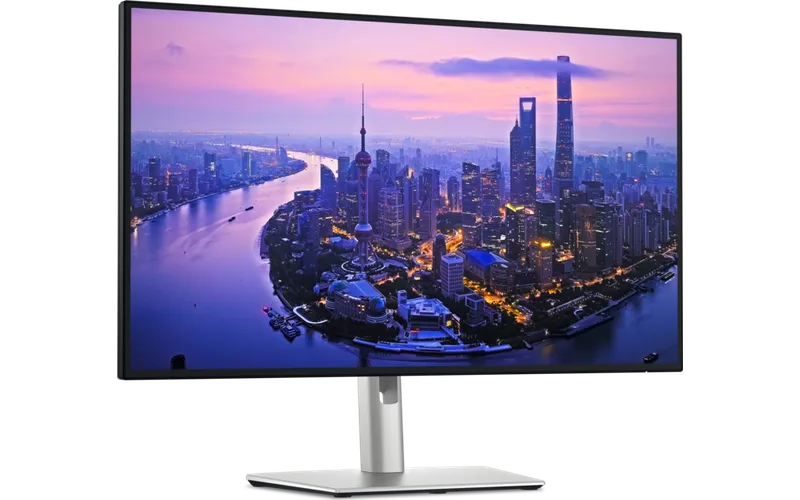
Dell UltraSharp U2725QE
Office and home-office users who want one cable for video, power and peripherals.
- Sharp 4K IPS Black panel with great contrast
- Thunderbolt 4 hub charges your laptop
- Pricey for a non-gaming screen
Compare the seven
Side by side| Rank | Product | Best for | Price | Key advantage | Buy |
|---|---|---|---|---|---|
| 01 | Dell UltraSharp U2725QE | Best for work | $$$Premium | Sharp 4K IPS Black panel with great contrast | Buy |
| 02 | 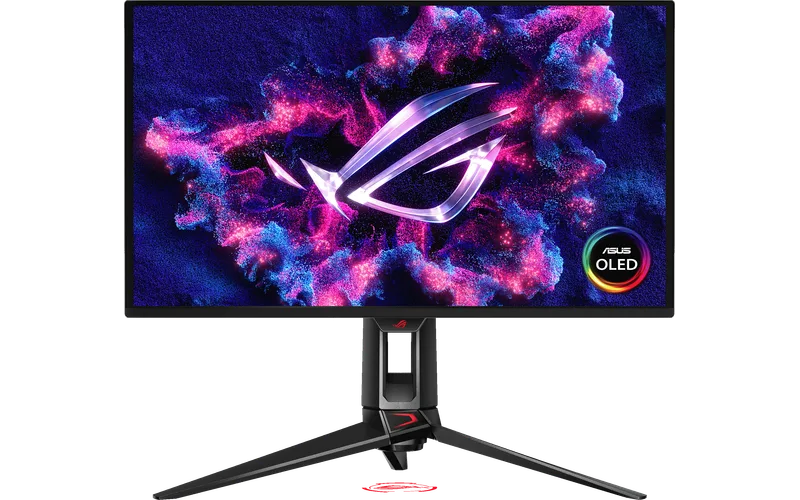 ASUS ROG Swift OLED PG27UCDM | Best gaming | $$$$Top-end | Instant pixel response and perfect blacks | Buy |
| 03 | 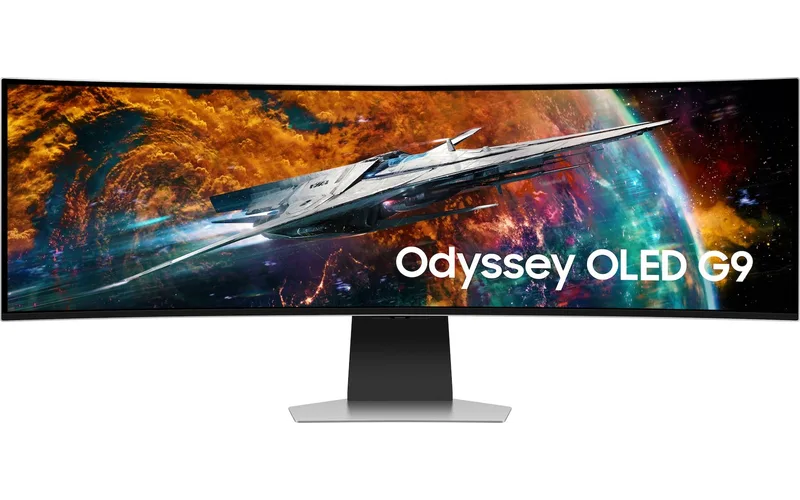 Samsung Odyssey OLED G9 G95SC | Best ultrawide | $$$$Top-end | Wraparound 32:9 QD-OLED picture | Buy |
| 04 |  Apple Studio Display | Best for Mac | $$$$Top-end | Razor-sharp 5K with great color | Buy |
| 05 | 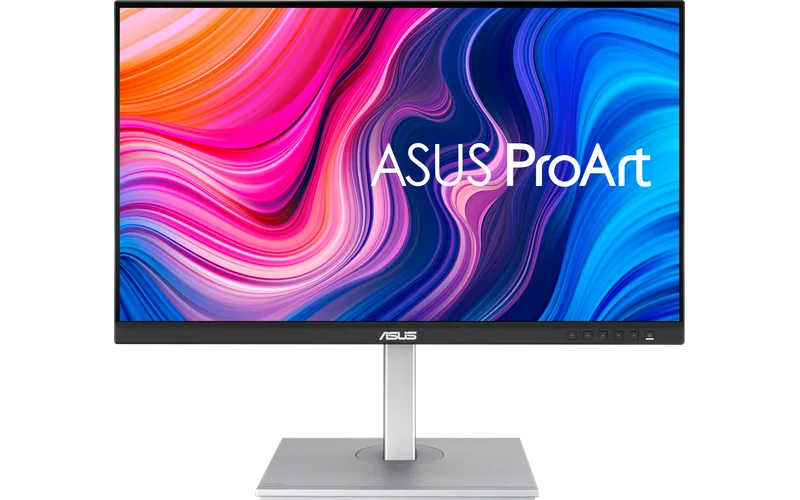 ASUS ProArt PA278CV | Best for creators | $$Mid-range | Factory-calibrated, 100% sRGB | Buy |
| 06 | 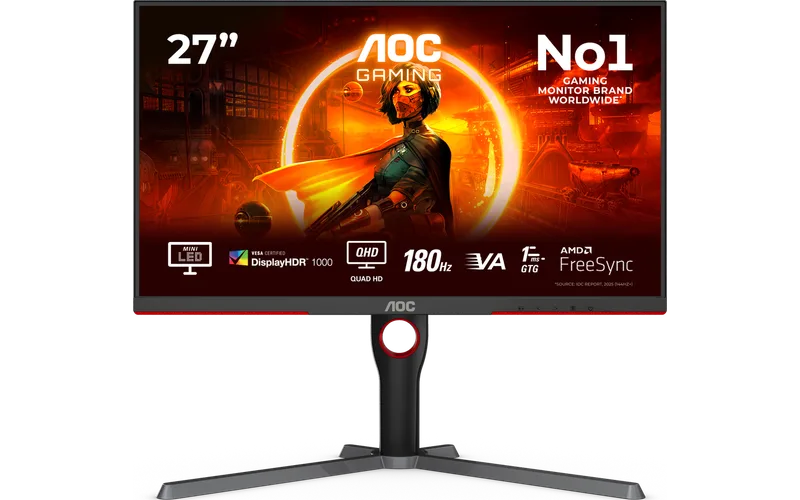 AOC Q27G3XMN | Best value gaming | $$Mid-range | Mini-LED backlight with strong HDR | Buy |
| 07 | 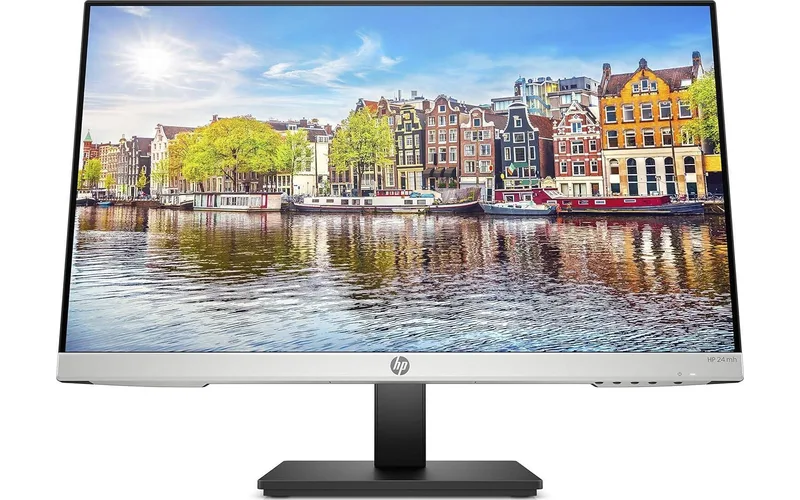 HP 24mh | Best budget pick | $Budget | Clean IPS picture for the price | Buy |
Our 7 picks in detail
1 Dell UltraSharp U2725QE
Who it's for: Office and home-office users who want one cable for video, power and peripherals.
- Sharp 4K IPS Black panel with great contrast
- Thunderbolt 4 hub charges your laptop
- Pricey for a non-gaming screen
2 ASUS ROG Swift OLED PG27UCDM
Who it's for: Gamers who want the best picture and motion clarity money can buy.
- Instant pixel response and perfect blacks
- 4K at 240Hz with a 3-year burn-in warranty
- Needs a powerful GPU and costs a lot
3 Samsung Odyssey OLED G9 G95SC
Who it's for: Racing and flight sim fans and multitaskers who want a huge immersive screen.
- Wraparound 32:9 QD-OLED picture
- 240Hz with fast response
- Large, heavy and lower pixel density
4 Apple Studio Display
Who it's for: Mac owners who want a crisp, plug-and-play display with a built-in camera and speakers.
- Razor-sharp 5K with great color
- Excellent webcam and speakers
- Only 60Hz and expensive
5 ASUS ProArt PA278CV
Who it's for: Photo and video editors who need accurate color on a sane budget.
- Factory-calibrated, 100% sRGB
- USB-C with 65W charging
- Only 75Hz and no HDR
6 AOC Q27G3XMN
Who it's for: Gamers who want HDR punch and high refresh without spending OLED money.
- Mini-LED backlight with strong HDR
- 180Hz and 1ms response
- VA panel has narrower viewing angles
7 HP 24mh
Who it's for: Students and anyone who needs a simple, reliable second screen.
- Clean IPS picture for the price
- Height-adjustable stand and speakers
- Plain 1080p and 75Hz only
Questions people ask
What size and resolution monitor should I buy?
27 inches at 1440p is the sweet spot for most desks. Go 4K if you sit close or edit photos, and consider 32 inches or ultrawide only if you have the desk depth.
Is OLED worth it for a monitor?
For gaming and movies, yes: blacks are perfect and motion is very clean. For all-day spreadsheets with static windows, a good IPS is the safer, cheaper choice.
Does OLED burn-in happen on monitors?
It can with static content shown for many hours a day. Modern QD-OLEDs shift pixels and run refresh cycles, and ASUS covers burn-in for 3 years on the PG27UCDM.
Is Black Friday a good time to buy a monitor?
Yes. Monitors from this list are often 15 to 30% off from mid-November, and OLED gaming panels see the deepest cuts.
Should I buy last year's model on sale?
Often, yes. Last year's OLEDs and IPS Black screens are nearly identical to the newest versions, so a Black Friday discount on an older model is usually the better buy.
What refresh rate do I need?
60 to 75Hz is fine for office work. For gaming, 144Hz or higher is a big upgrade, and 240Hz mainly helps fast competitive shooters.
Do I need USB-C on my monitor?
If you use a laptop, it is very handy: one cable carries video, charging and USB devices. Check the power delivery wattage, 65W or more suits most laptops.
Which monitor is best for a Mac?
The Apple Studio Display looks perfect at macOS scaling. Any 4K screen such as the Dell U2725QE also works well and costs less.
How did we pick these monitors?
We compared the best-selling and highest-rated monitors on Amazon, read expert reviews and the most common complaints, then kept one pick for each kind of buyer. Read our full method.