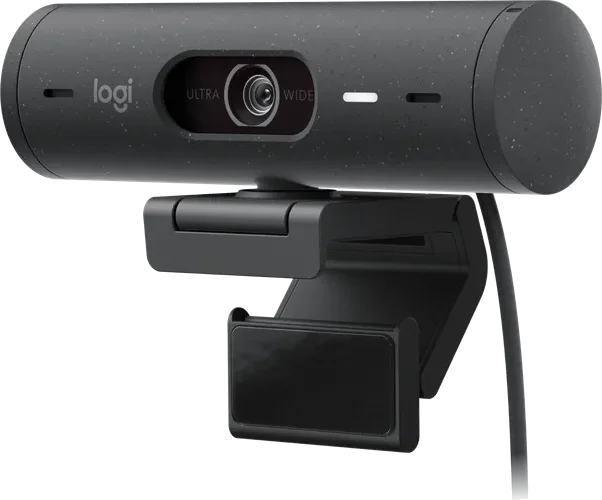
Top7 Webcams Worth Buying in 2026
Ranked on image quality, low-light handling, microphones, software and value, based on Engadget, Tom's Guide, TechRadar and Tom's Hardware testing.
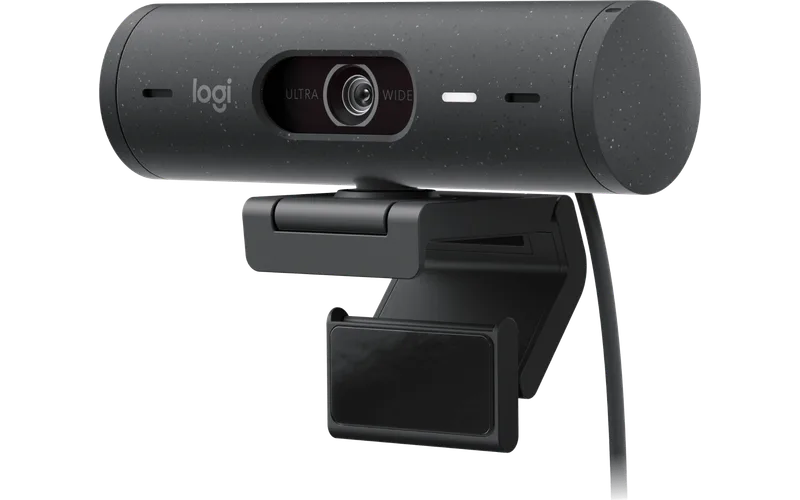 1
Our top pick · Best overall
Logitech Brio 500
Most people who want a clear, reliable webcam for calls and remote work.
- Engadget's top pick for most people
- Auto light correction and privacy cover
- Capped at 1080p
Compare the seven
Side by side| Rank | Product | Best for | Price | Key advantage | Buy |
|---|---|---|---|---|---|
| 01 | Logitech Brio 500 | Best overall | $$Mid-range | Engadget's top pick for most people | Buy |
| 02 | 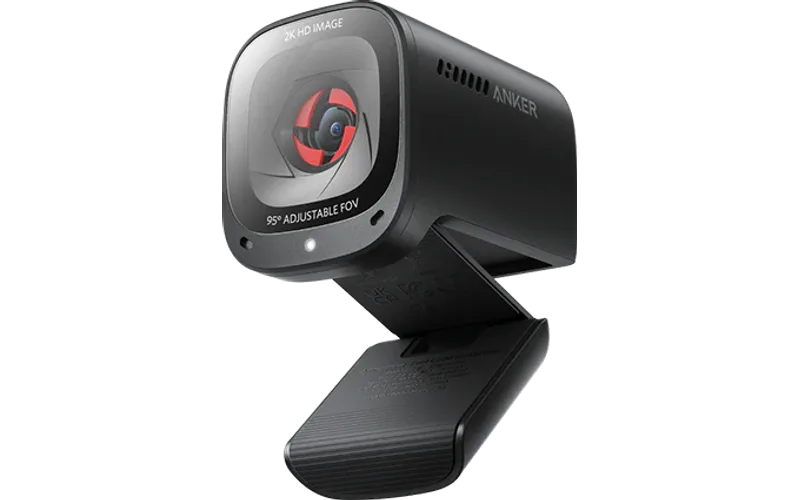 Anker PowerConf C200 | Best budget | $Budget | Engadget's budget pick, often under $60 | Buy |
| 03 | 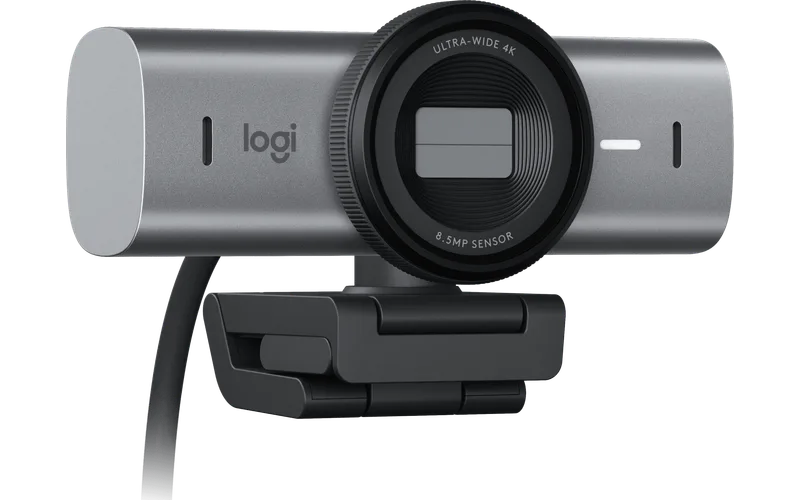 Logitech MX Brio | Best premium | $$$Premium | Sharp 4K image with strong light handling | Buy |
| 04 | 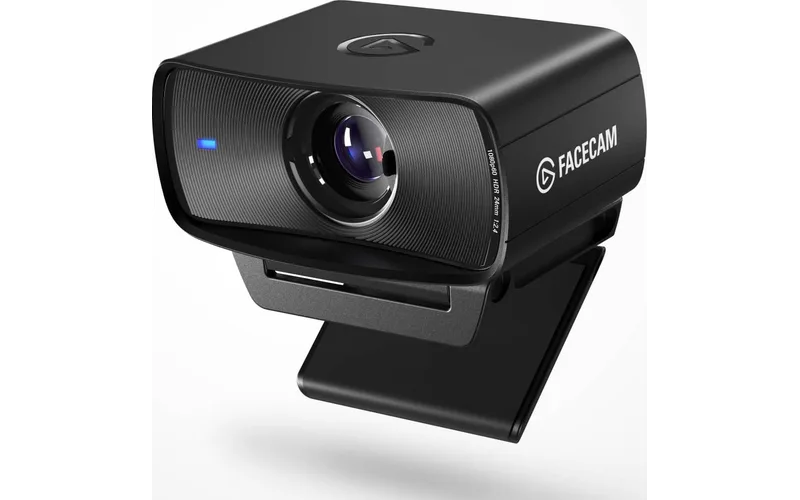 Elgato Facecam MK.2 | Best for creators | $$$Premium | Uncompressed 1080p60 over USB | Buy |
| 05 | 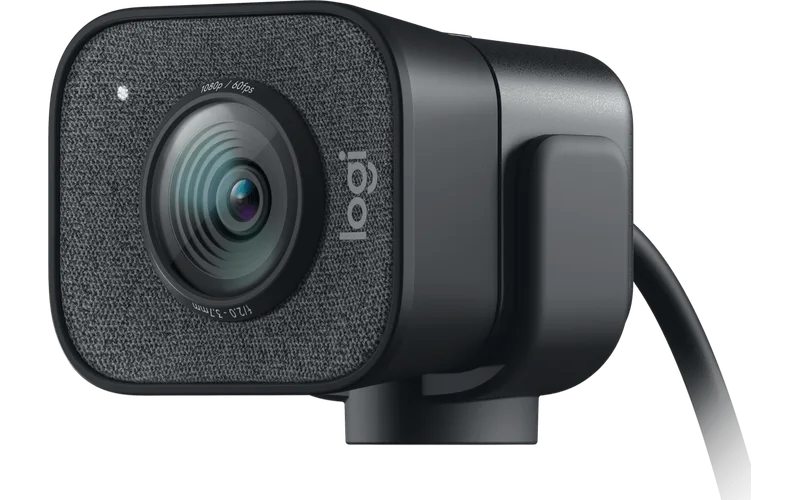 Logitech StreamCam | Best for streaming | $$Mid-range | Smooth 1080p at 60 fps | Buy |
| 06 | 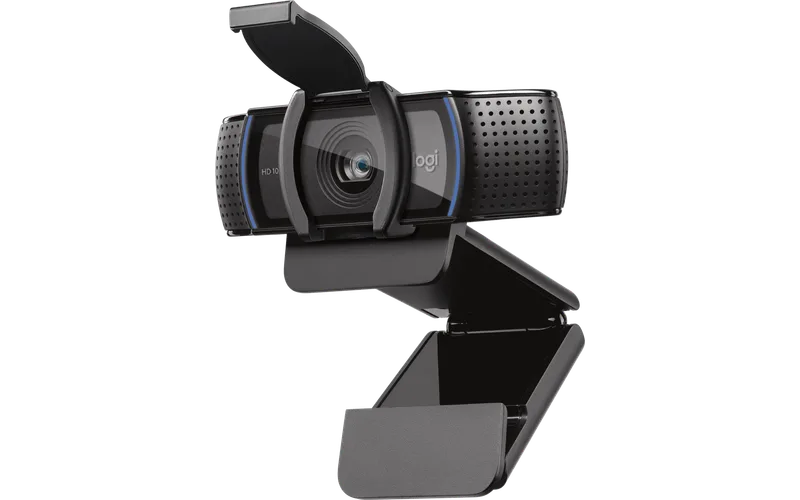 Logitech C920S HD Pro | Best classic | $Budget | Long-running, well-supported design | Buy |
| 07 | 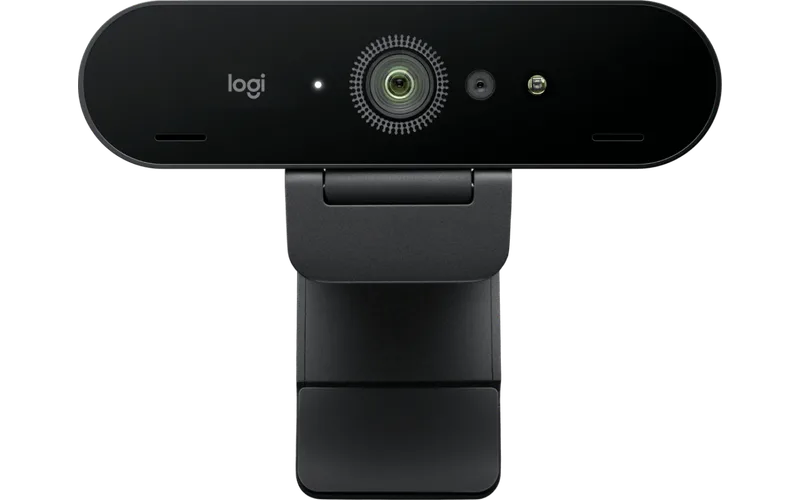 Logitech Brio 4K | Best for 4K | $$Mid-range | 4K with HDR and wide field of view | Buy |
Our 7 picks in detail
1 Logitech Brio 500
Who it's for: Most people who want a clear, reliable webcam for calls and remote work.
- Engadget's top pick for most people
- Auto light correction and privacy cover
- Capped at 1080p
2 Anker PowerConf C200
Who it's for: Home offices and students who want a sharp picture without paying much.
- Engadget's budget pick, often under $60
- Two built-in mics and adjustable field of view
- Short cable
3 Logitech MX Brio
Who it's for: Professionals who are on camera all day and want the best Logitech picture.
- Sharp 4K image with strong light handling
- Sturdy, flexible mounting clip
- Costs more than most 1080p webcams
4 Elgato Facecam MK.2
Who it's for: Streamers and video makers who want clean, uncompressed video and manual controls.
- Uncompressed 1080p60 over USB
- DSLR-style manual controls
- No built-in microphone
5 Logitech StreamCam
Who it's for: Streamers and social video makers who want smooth 60 fps and vertical framing.
- Smooth 1080p at 60 fps
- Good low-light performance
- Cable is not removable
6 Logitech C920S HD Pro
Who it's for: Anyone who wants a proven, widely supported webcam at a modest price.
- Long-running, well-supported design
- Built-in privacy shutter
- Older sensor, no 60 fps or HDR
7 Logitech Brio 4K
Who it's for: Desktop users who want 4K video and face login at a lower price than the MX Brio.
- 4K with HDR and wide field of view
- Windows Hello face sign-in
- Older design with no privacy shutter
Questions people ask
Is 4K worth it for a webcam?
Rarely for calls, since most apps send 720p or 1080p. 4K helps if you record video or crop in later. Sensor quality and low-light handling matter more.
Do I need a webcam with a built-in microphone?
Built-in mics are fine for calls. For streaming or recording, a separate microphone sounds better, so a webcam without one can be a good choice.
Why is my webcam image dark or grainy?
Usually poor lighting. A lamp facing you improves any webcam more than a better sensor. Models with auto light correction help in dim rooms.
Do webcams work with Mac and Windows?
Most use standard USB video and work on both without drivers. Extra features like zoom and HDR often need the maker's free software.
How did we pick these webcams?
We compared the best-selling and highest-rated webcams on Amazon, read expert reviews and the most common complaints, then kept one pick for each kind of buyer. Read our full method.