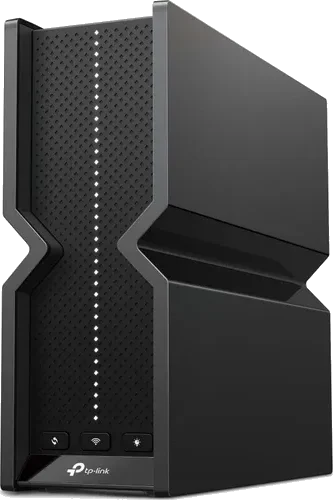
Top7 Wi-Fi Routers Worth Buying in 2026
Ranked on real-world speed, range, features, security support and value, based on RTINGS, Tom's Guide and TechRadar testing.
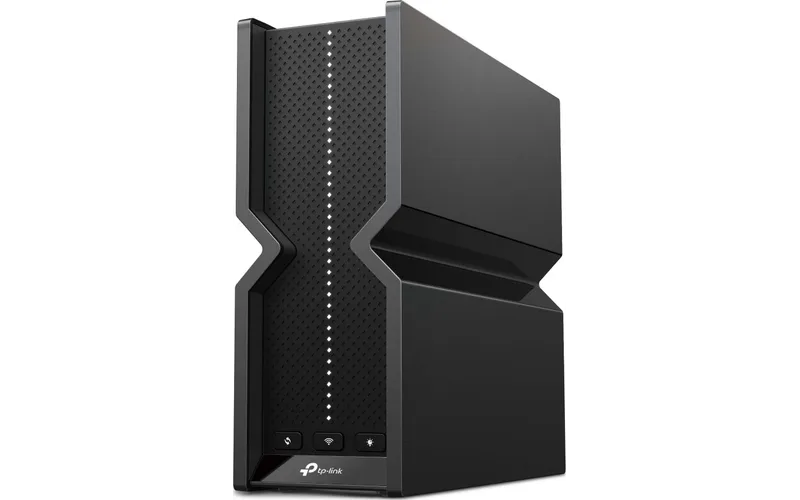 1
Our top pick · Best overall
TP-Link Archer BE550
Most homes that want fast Wi-Fi 7 without paying flagship prices.
- Tri-band Wi-Fi 7 with 2.5G ports
- Strong range for the price
- Only one USB port and basic app controls
Compare the seven
Side by side| Rank | Product | Best for | Price | Key advantage | Buy |
|---|---|---|---|---|---|
| 01 | TP-Link Archer BE550 | Best overall | $$Mid-range | Tri-band Wi-Fi 7 with 2.5G ports | Buy |
| 02 | 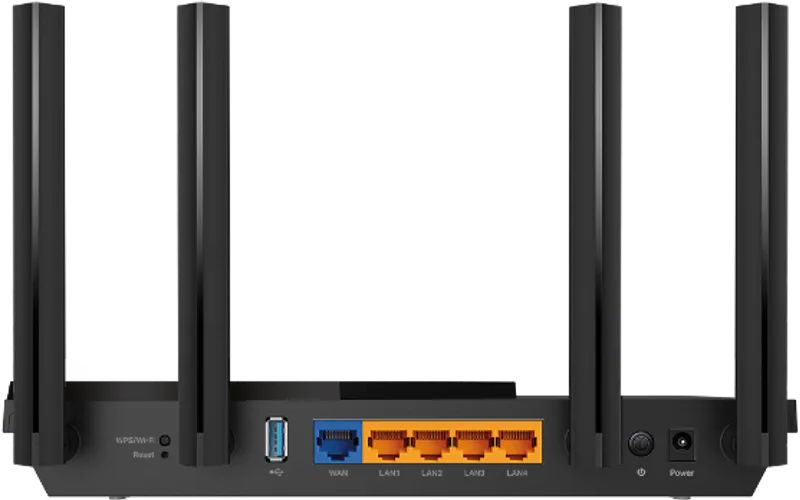 TP-Link Archer AX55 | Best budget | $Budget | RTINGS' best budget router | Buy |
| 03 | 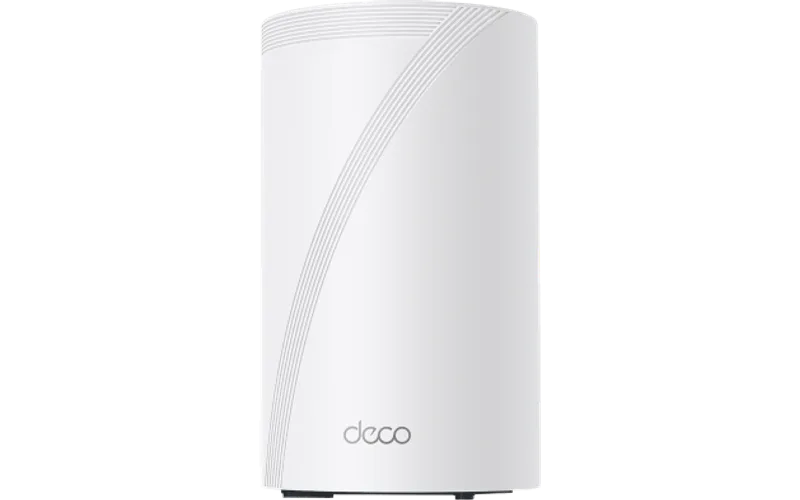 TP-Link Deco BE63 (2-pack) | Best mesh | $$$Premium | TechRadar's top mesh pick | Buy |
| 04 | 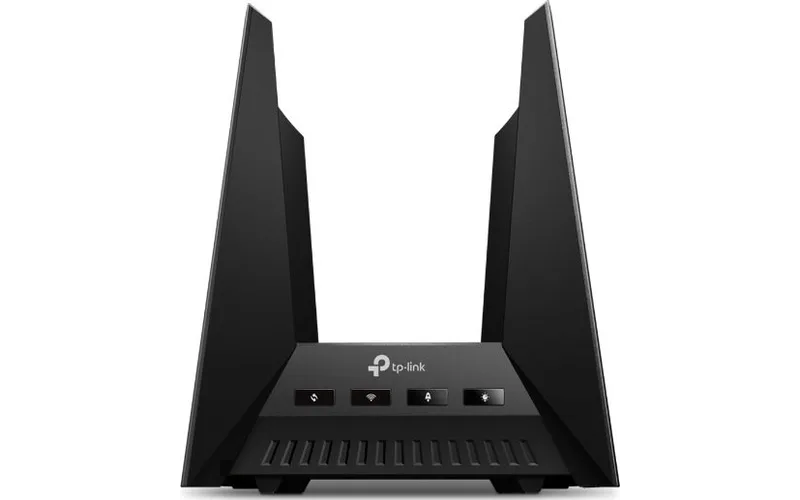 TP-Link Archer GE800 | Best for gaming | $$$$Top-end | Tom's Hardware's gaming pick | Buy |
| 05 | 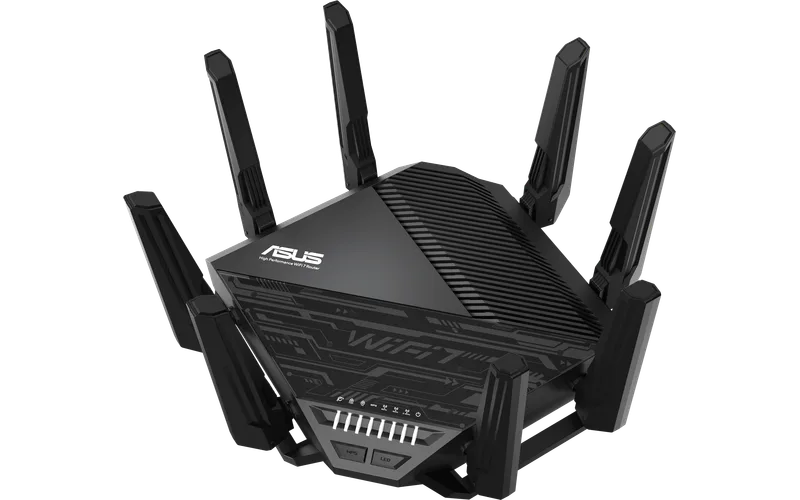 ASUS RT-BE96U | Best premium | $$$$Top-end | Tom's Guide's top pick | Buy |
| 06 | 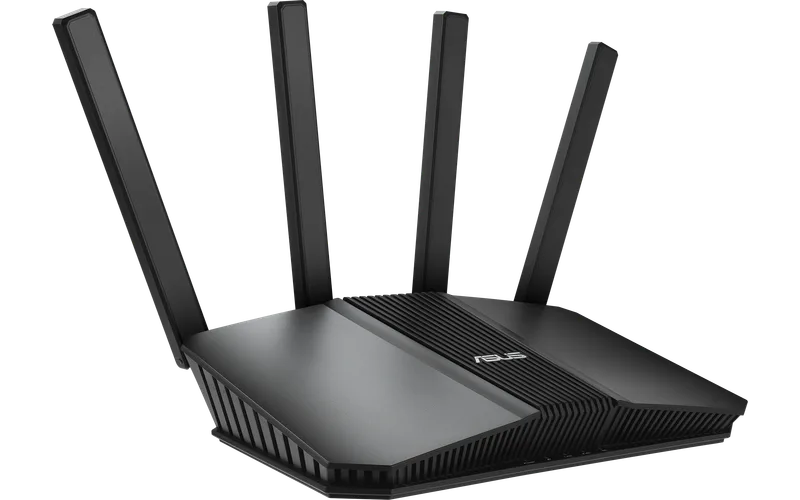 ASUS RT-BE58U | Best budget Wi-Fi 7 | $Budget | Wi-Fi 7 for around $140 | Buy |
| 07 | 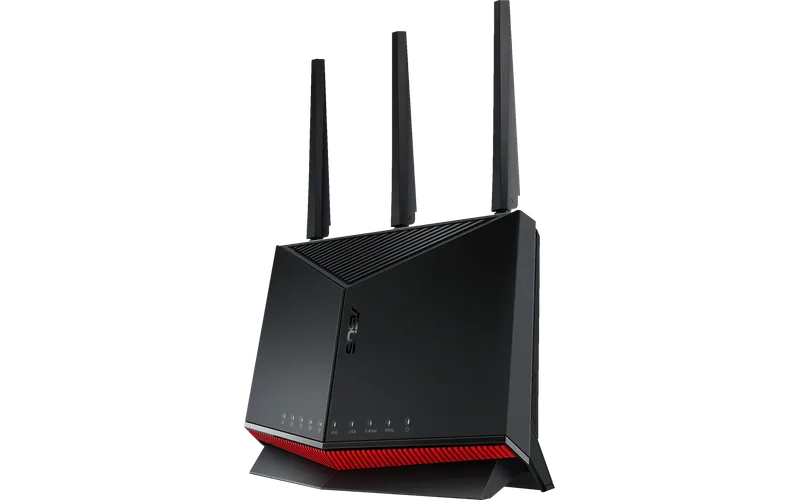 ASUS RT-BE86U | Best for tweakers | $$$Premium | Detailed firmware with many controls | Buy |
Our 7 picks in detail
1 TP-Link Archer BE550
Who it's for: Most homes that want fast Wi-Fi 7 without paying flagship prices.
- Tri-band Wi-Fi 7 with 2.5G ports
- Strong range for the price
- Only one USB port and basic app controls
2 TP-Link Archer AX55
Who it's for: Small and mid-size homes with gigabit internet and a tight budget.
- RTINGS' best budget router
- Wi-Fi 6 speeds at a low price
- No 6 GHz band and no 2.5G ports
3 TP-Link Deco BE63 (2-pack)
Who it's for: Larger homes and multi-floor layouts that need even coverage.
- TechRadar's top mesh pick
- Wired backhaul and 2.5G ports
- Costs more than most dual-band mesh kits
4 TP-Link Archer GE800
Who it's for: Gamers and heavy households who want low latency and fast wired ports.
- Tom's Hardware's gaming pick
- Dedicated gaming port and two 10G ports
- Pricey and bulky
5 ASUS RT-BE96U
Who it's for: Large homes with multi-gig internet and many connected devices.
- Tom's Guide's top pick
- Free built-in network security and AiMesh
- Expensive and some rivals now match its speeds
6 ASUS RT-BE58U
Who it's for: Buyers who want Wi-Fi 7 and mesh support at a low price.
- Wi-Fi 7 for around $140
- Free security and parental controls
- Dual-band only and LAN ports are gigabit
7 ASUS RT-BE86U
Who it's for: Power users who want deep settings, VPN options and a mesh upgrade path.
- Detailed firmware with many controls
- Two 2.5G ports and AiMesh support
- Settings can overwhelm casual users
Questions people ask
Do I need a Wi-Fi 7 router?
Not for most homes. Wi-Fi 6 is enough for gigabit internet, but Wi-Fi 7 helps if your devices support it and you plan to keep the router for years.
Router or mesh system?
A single good router covers most apartments and homes up to about 2,000 ft². Choose mesh for larger or multi-floor homes, ideally with wired backhaul.
Where should I place the router?
Put it high, central and in the open, away from metal and thick walls. Placement often matters more than which model you buy.
How often should I replace a router?
Every 4 to 6 years, or sooner if it stops receiving security updates. Turn on automatic firmware updates.
How did we pick these wi-fi routers?
We compared the best-selling and highest-rated wi-fi routers on Amazon, read expert reviews and the most common complaints, then kept one pick for each kind of buyer. Read our full method.